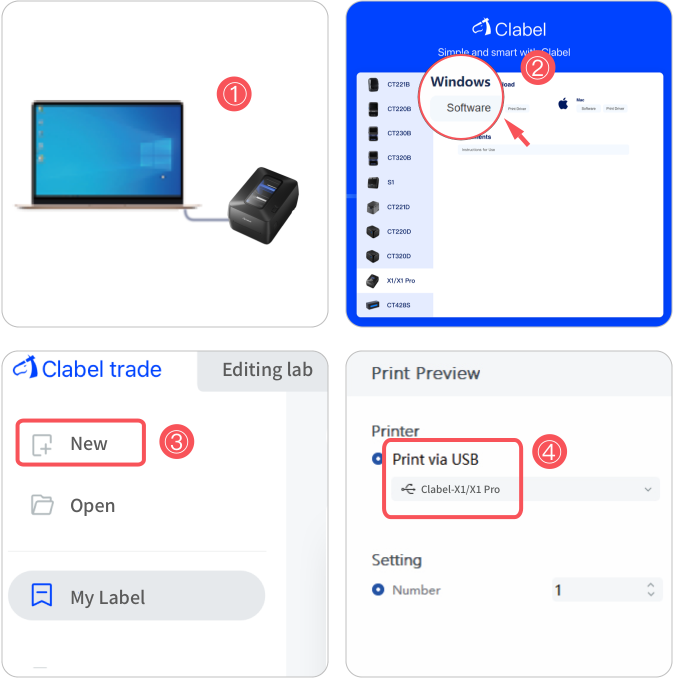
Computer Connection Instructions
- Turn on the printer and connect it to the computer using the USB cable.
- Visit https://ga.ctaiot.com to download and install the "Clabel trade" Software.
- Edit your print content.
-
Select "X1/X1 Pro" as the
printer and print.